Section One
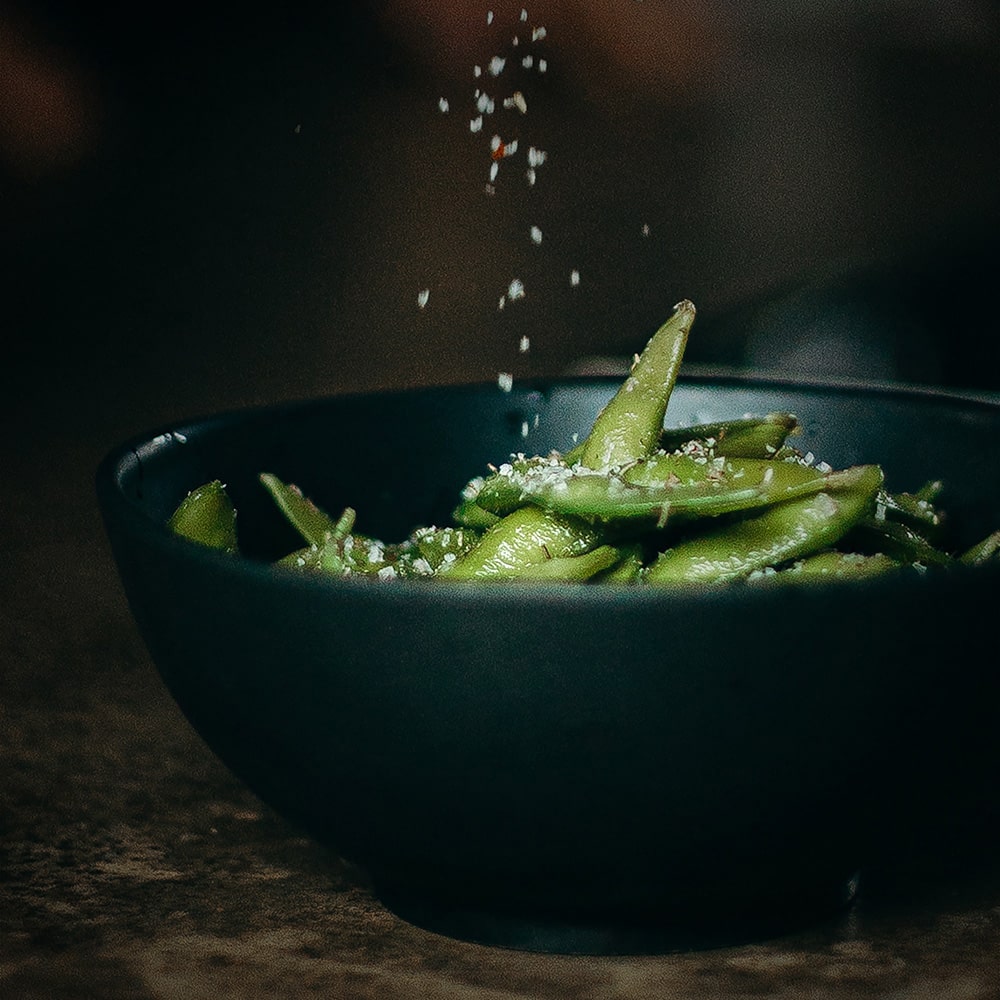
This is the first alternating section. The image sits on the left side on larger screens. Text content balances the layout on the right side.
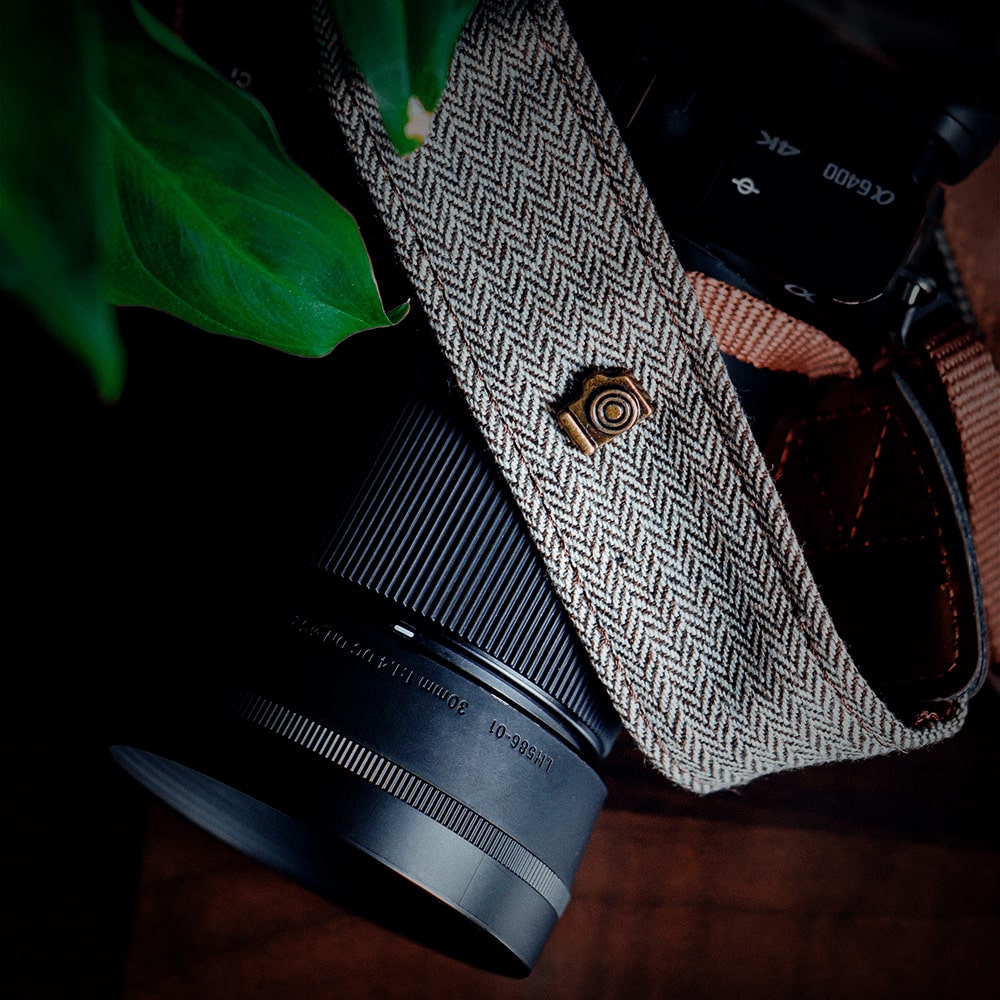
This is the first alternating section. The image sits on the left side on larger screens. Text content balances the layout on the right side.
Section Two
This is the second alternating section. The text sits on the left side. The image sits on the right side. The classes ensure proper mobile stacking.
Section Three
This is the third alternating section. Clean spacing keeps the design scannable. Visual weight shifts back to the left side.
Section Four
This is the fourth alternating section. Images always stack on top on small mobile screens. Columns snap into a single row on medium viewports.
Section Five
This is the fifth alternating section. Halfway through the grid layout. Perfect for product features or step-by-step landing page guides.
Section Six
This is the sixth alternating section. Notice the smooth visual rhythm created by alternating elements. Grid gaps prevent crowded text layouts.
Section Seven
This is the seventh alternating section. Fully responsive out of the box. Fluid imagery ensures no clipping on modern widescreen monitors.
Section Eight
This is the eighth alternating section. Standard Bootstrap utilities control padding and layout structures. No custom CSS required here.
Section Nine
This is the ninth alternating section. Almost at the bottom of the stacked layout container. Clear headers structure your web content.
Section Ten
This is the tenth alternating section. Final stacked block in our layout. Wrap your grid cleanly for consistent alignment across devices.